Snap it. Mark it. Send it.
A fast, no-fuss screenshot annotator for Mac. Grab part of your screen, point out what matters, and drop it wherever it needs to go. For everyone who misses Skitch.
Download on theMac App StoremacOS 15 or later · Apple Silicon · English and French
Drag a region, press Space for a window, or take the whole screen. One shortcut, from anywhere: ⌃⌥⌘S.
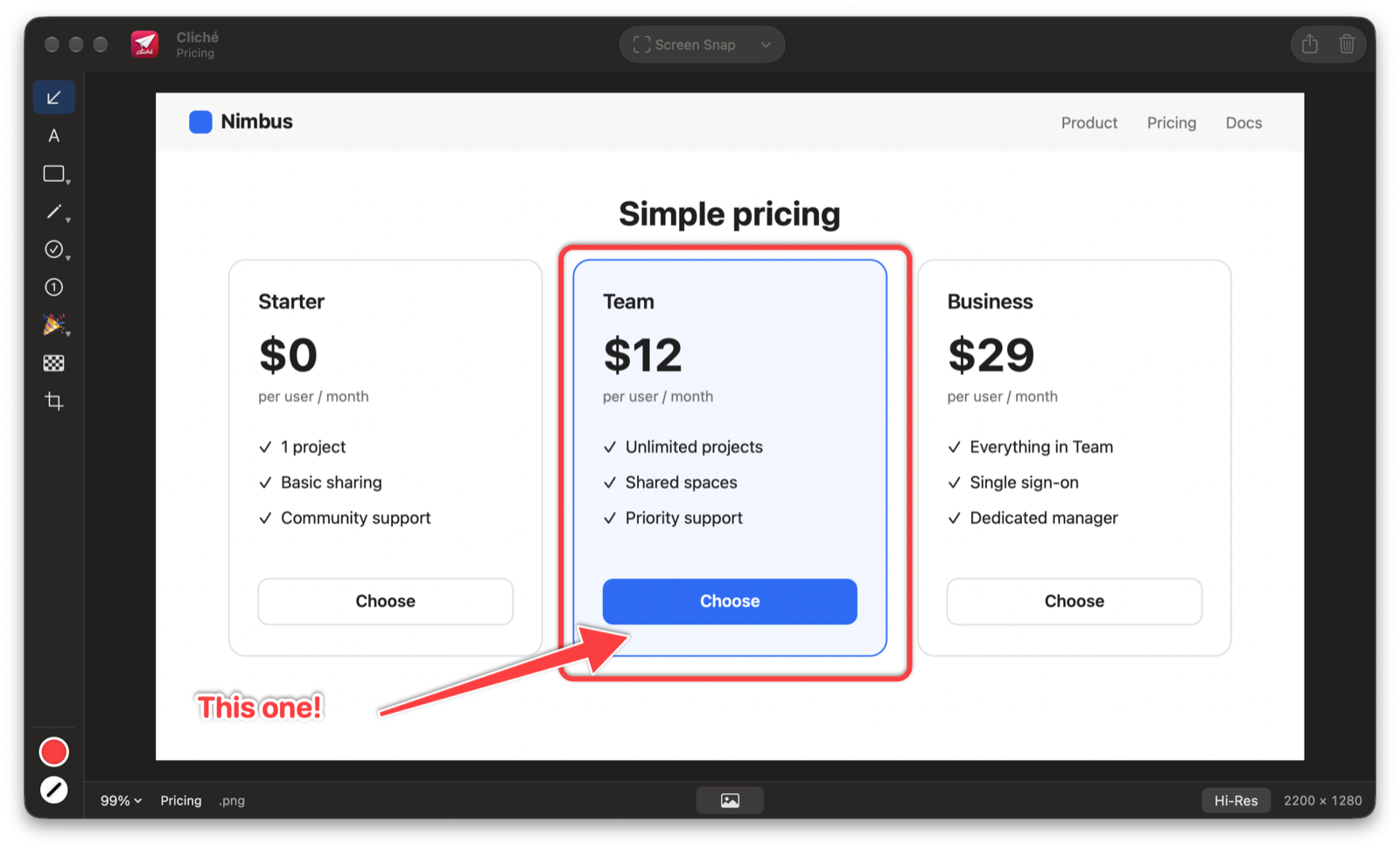
Bold arrows, boxes, ellipses, lines, text, a pen and a highlighter, in any color.
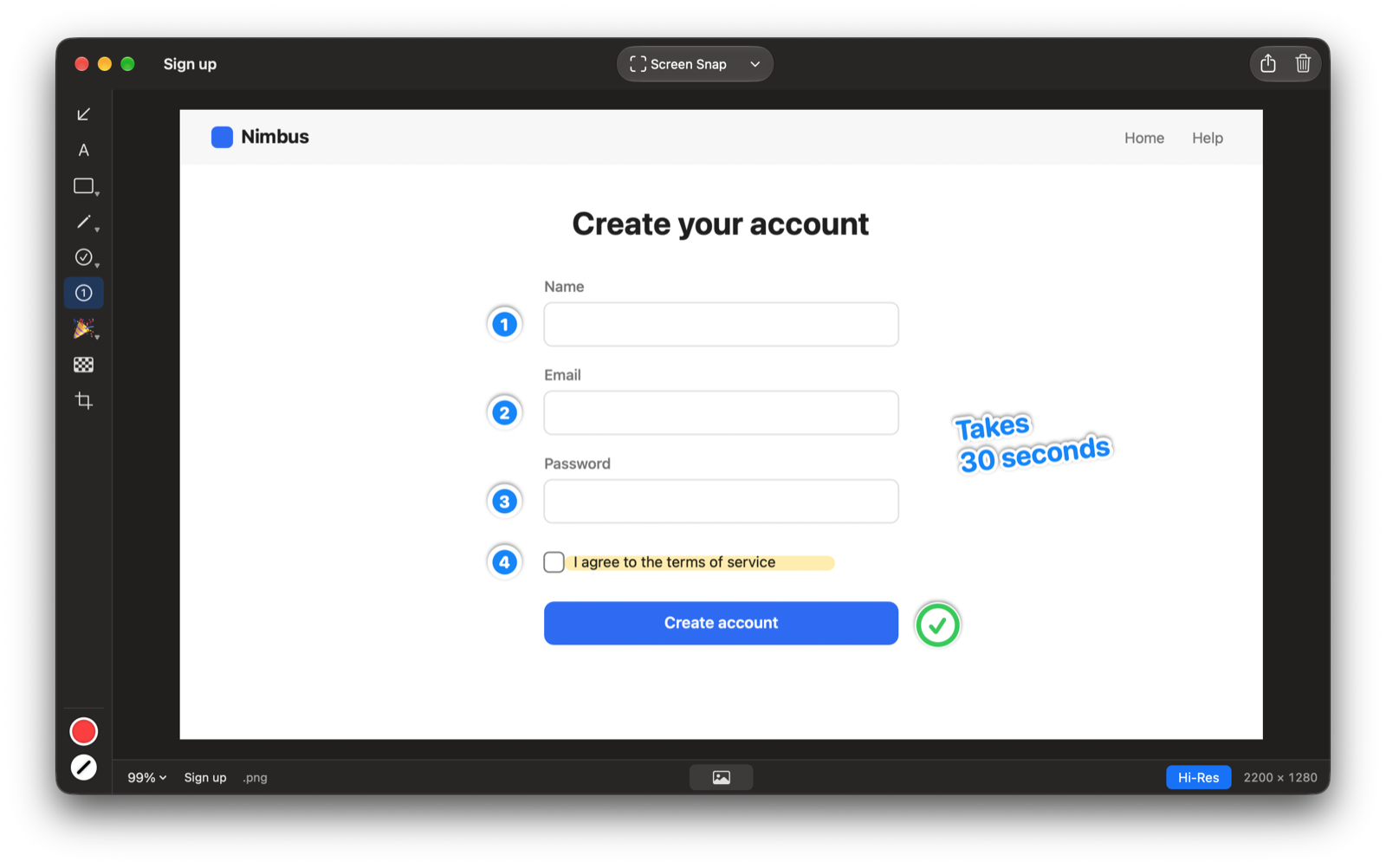
Drop 1, 2, 3 on the screen. Delete one and the rest renumber.
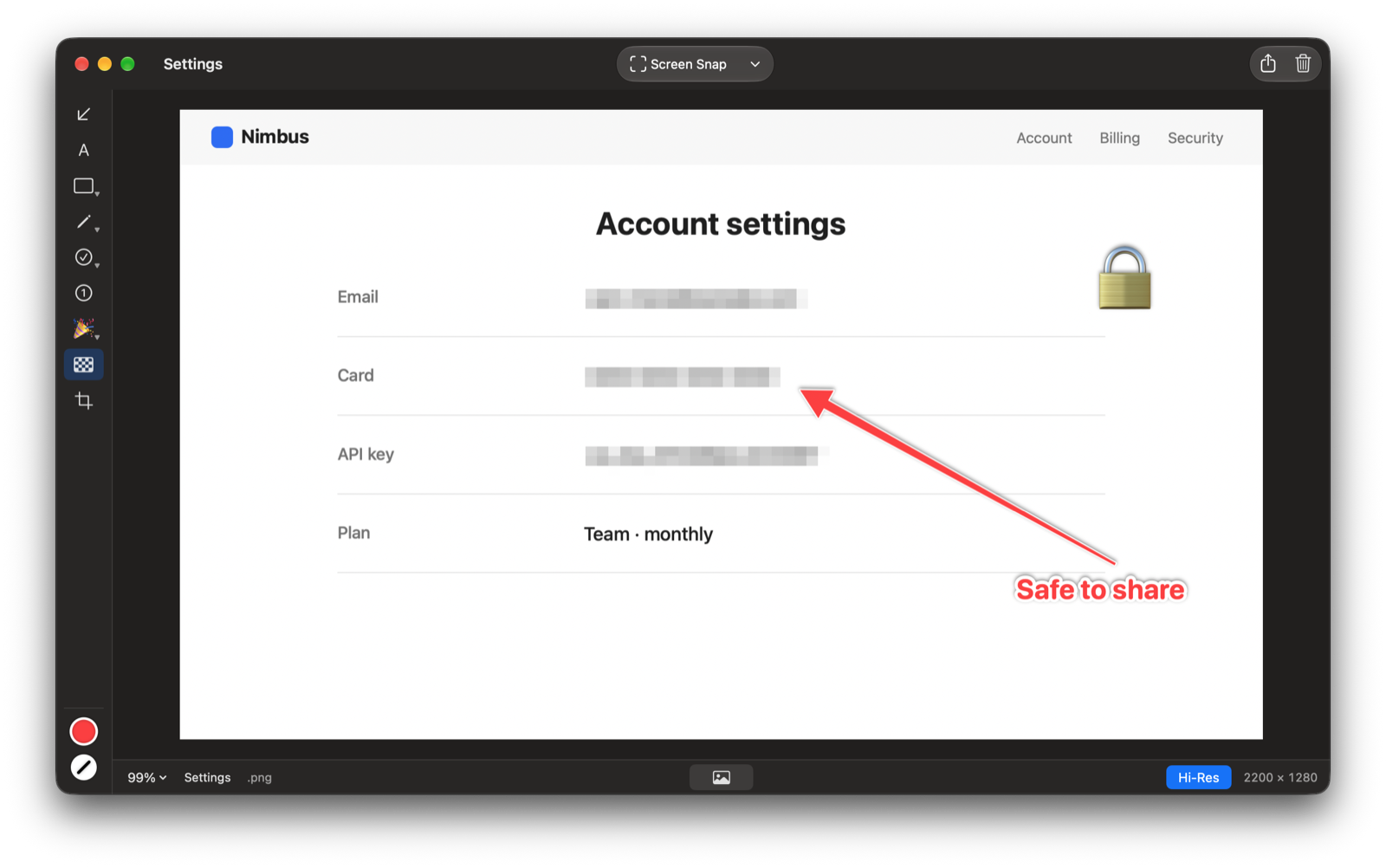
Pixelate emails, card numbers and keys before you share.
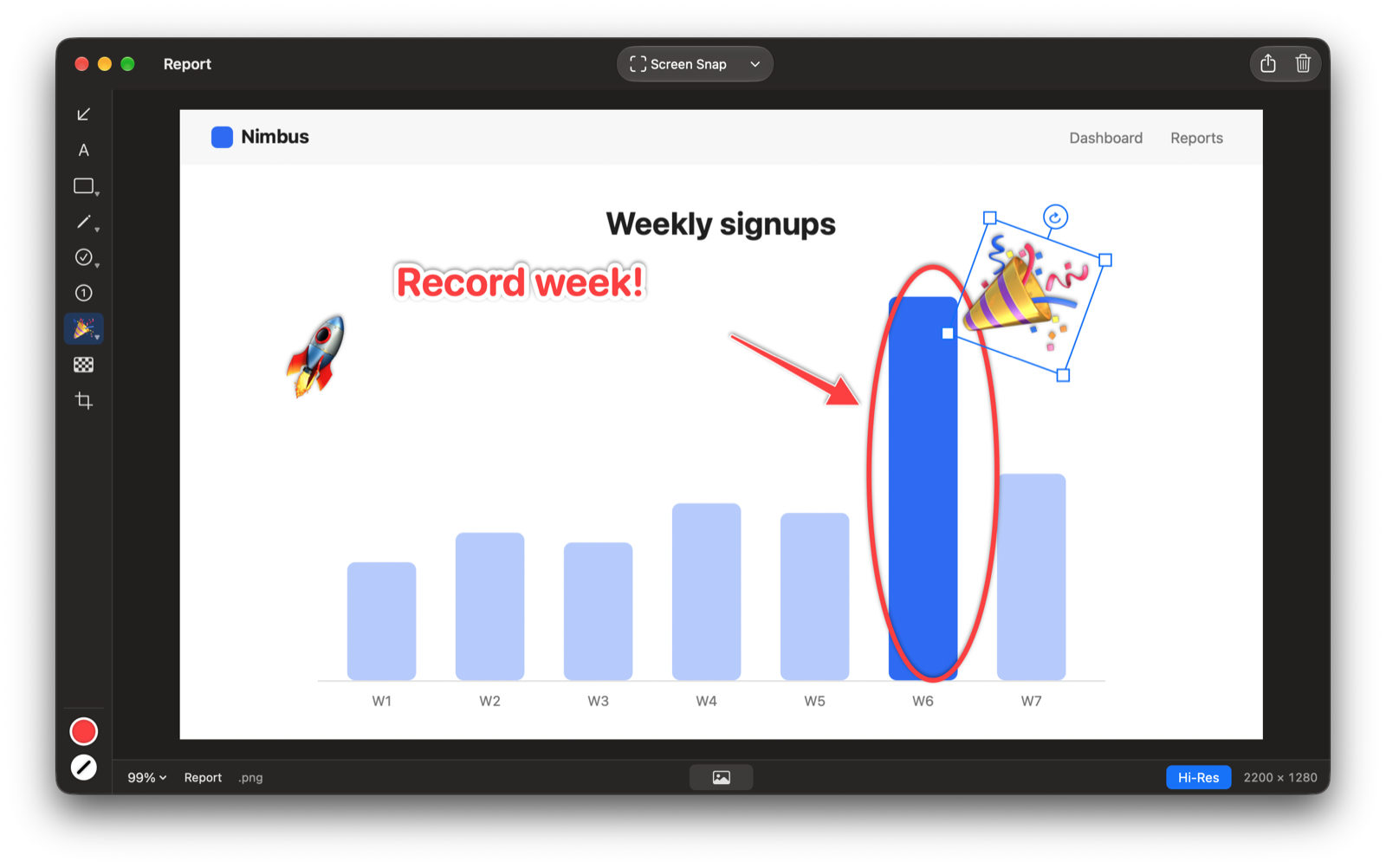
Checkmarks, crosses and any emoji. Resize and rotate anything.
Drag it into any app, copy, share or save. Draw past the edge and the canvas grows to fit.

macOS puts screen and system audio under the same permission, and taking a screenshot needs it. Cliché only reads the screen, only when you take a snap, and never records audio.
A Mac with Apple Silicon running macOS 15 Sequoia or later.
Yes, in Cliché › Settings. You can also have Cliché open at login.
Write to hello@littlebigdata.ca. We read everything.
Cliché collects no data. There is no account, no analytics, no tracking and no advertising, and the app doesn't connect to the internet. Your snaps stay on your Mac until you choose to share them.